Permissions and subscription access
Can't see your subscriptions or bills?
Add the subscriptions to your Telekom account and request bill permission.
Want to help your parents manage their subscriptions?
Add their subscription to your Telekom account.
Your partner keeps forgetting to pay the shared bills?
Request bill manager permission to handle your shared bills.
Want to share bills with your tenant?
Grant bill payer permission so others can pay your bills .
Get access to bills
What permissions can you get or share with others?
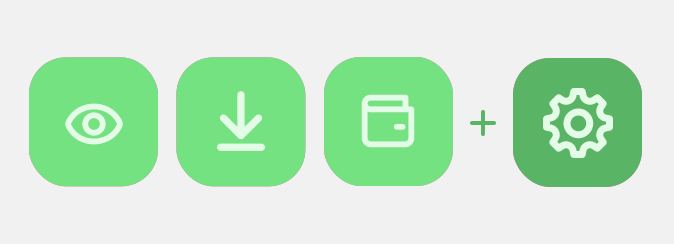
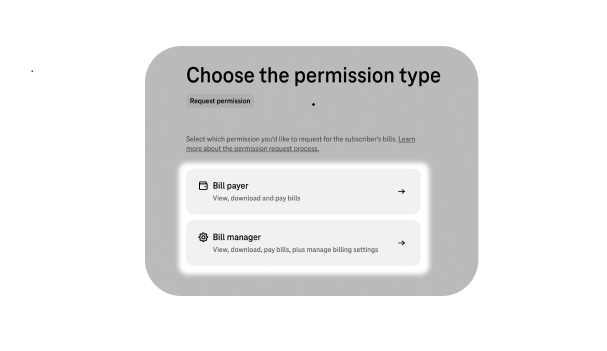
Bill payer permission
View, download and pay bills

Bill manager permission
View, download, pay bills, plus manage billing settings
Manage your bill permissions
Want to pay and manage bills?
Get bill permission to access your own account, or someone else's
Received a Telekom permission?
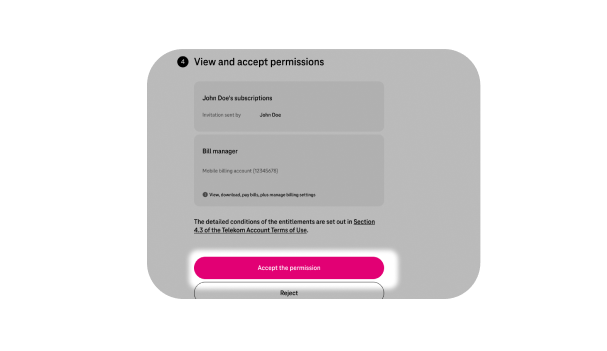
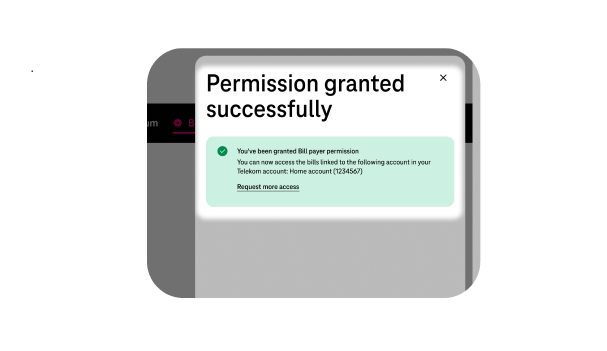
Accept your permission to access the shared bills


Want to pay and manage bills?
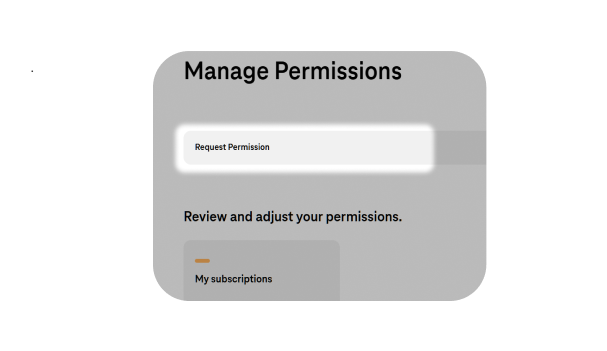
Open the Permissions page and click Request permission.
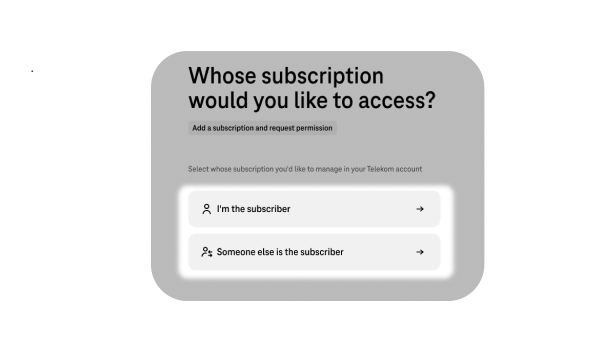
Select whose subscription you'd like to access — yours, or someone else's.
*Verifying your Telekom account gets you permission to your own bills automatically — this requires an ID document issued
by a Hungarian authority.
Choose whether you'd like "Bill payer" or "Bill manager" permission.
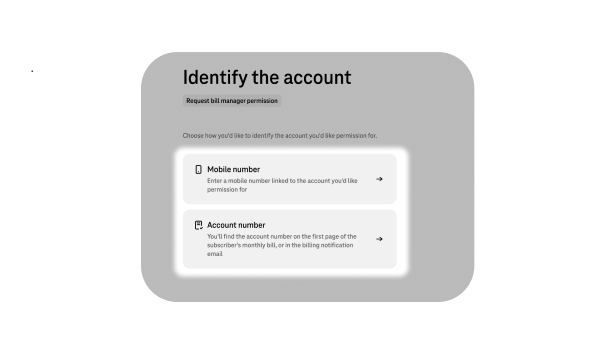
Enter a mobile number linked to the account, or the account number, you'd like permission for.
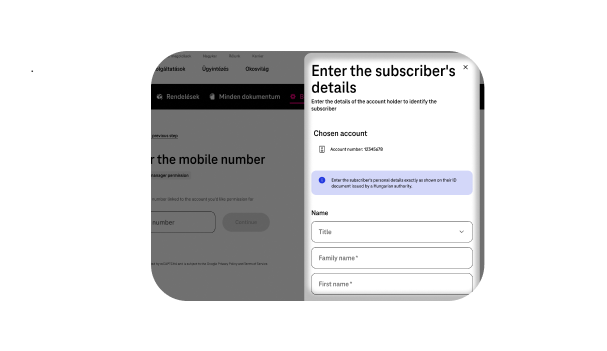
Enter the subscriber's details exactly as shown on their ID document.
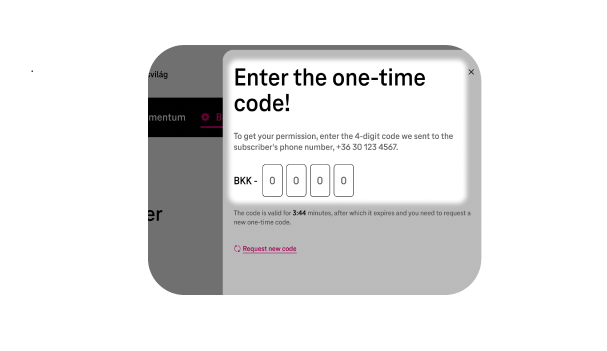
Enter the subscriber's phone number or email address, then enter the one-time code we sent them
The permission you requested will appear in your Telekom account.
Want to share your bills?
To grant permission, you need a Verified Telekom Account. *Verification is only available with Hungarian ID documents.
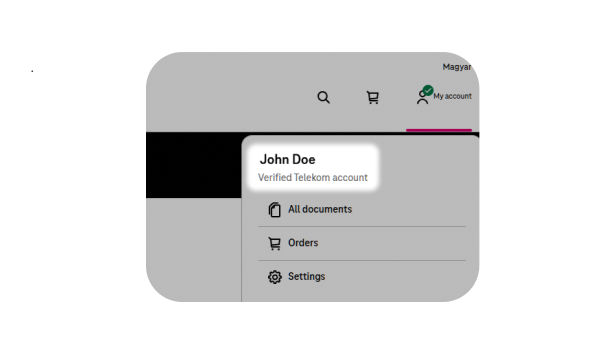
Open the Manage Permissions page and select your own subscription.
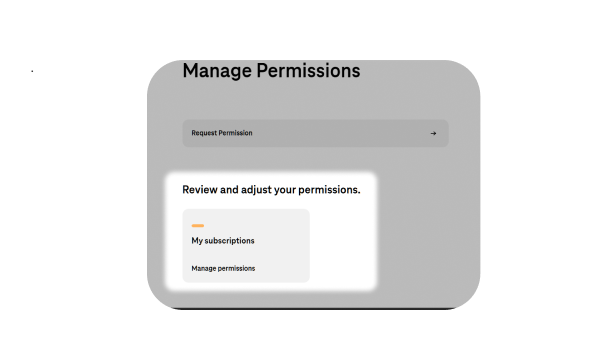
Click "Grant permission to a new user".
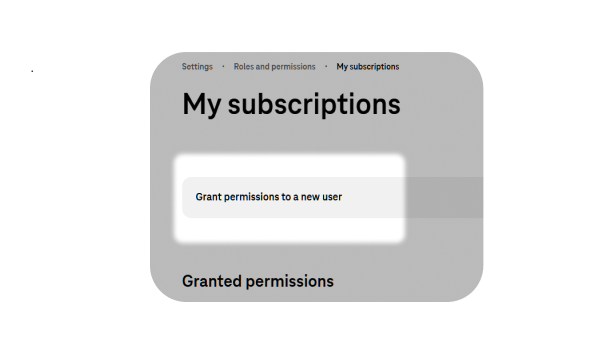
Enter the details of the person you'd like to grant permission to.
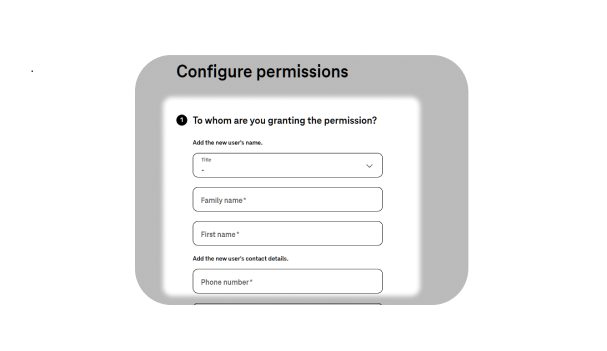
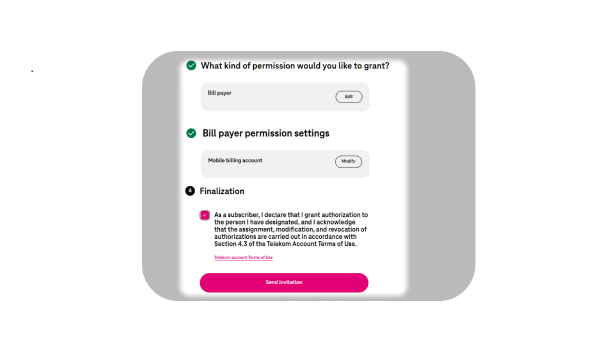
Select the permission type and send the invitation.
Received a Telekom permission?
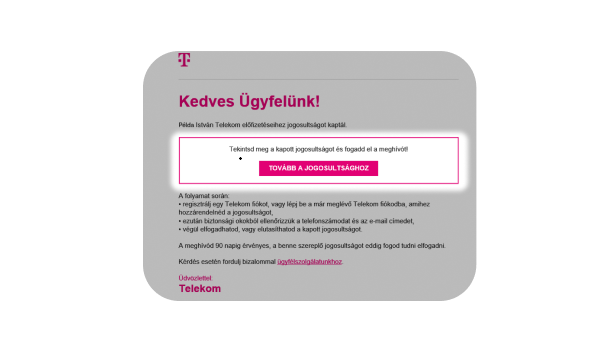
Open the link in your invitation email.
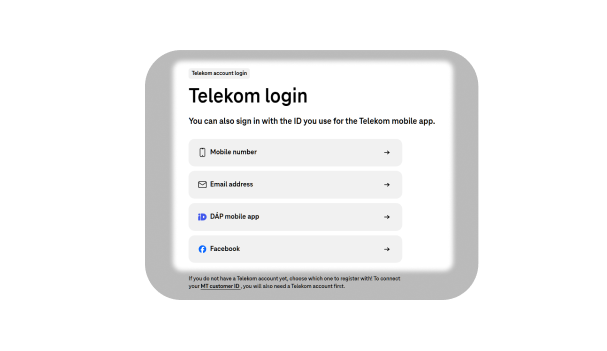
Log in to your Telekom account, or create one if you don't have one yet.
Verify the email address and phone number associated with the invitation.
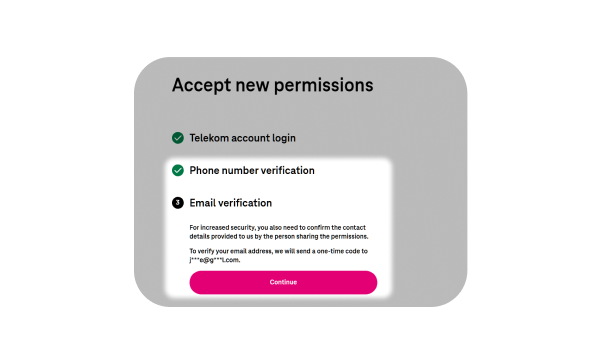
Accept the permission.